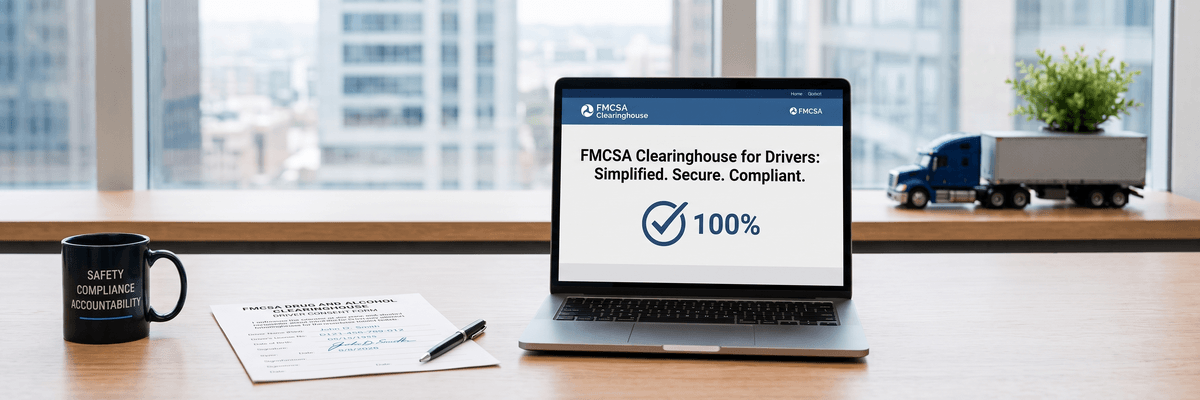
The $5,833 Penalty You're One Missed Query Away From
Motor carriers face civil penalties up to $5,833 per occurrence for a missed or late annual Drug and Alcohol Clearinghouse query. That figure applies per driver, per violation — a carrier with 40 drivers and no query log for the year isn't looking at one fine, it's looking at up to 40 of them.
The fix isn't complicated in theory: run the query, get written consent first, keep the record. In practice, it's one of the most commonly missed items in an FMCSA Compliance Review or a California Highway Patrol Basic Inspection of Terminals (BIT) audit, because it's an administrative task with no dispatch-blocking urgency — until it's flagged.
Key Takeaways
- Annual limited queries are required for every currently employed CDL driver, and require written, renewable consent on file before the query is run.
- Full queries are required before a new driver is dispatched for the first time, and require a separate, specific written consent.
- Immediate CDL suspension rules in California mean a Clearinghouse flag can suspend a driver's operating privileges without a delayed review process.
- Canadian carriers operate under a separate national testing framework, but any US-domiciled drivers or US-authority operations remain subject to the FMCSA Clearinghouse.
This guide covers exactly when a limited query vs. a full query is required, what a valid Clearinghouse consent form PDF must contain, how a single flagged driver can trigger an immediate CDL suspension through the California DMV, and the numbered steps to run a compliant annual query today.
Limited Query vs. Full Query: What's the Difference?
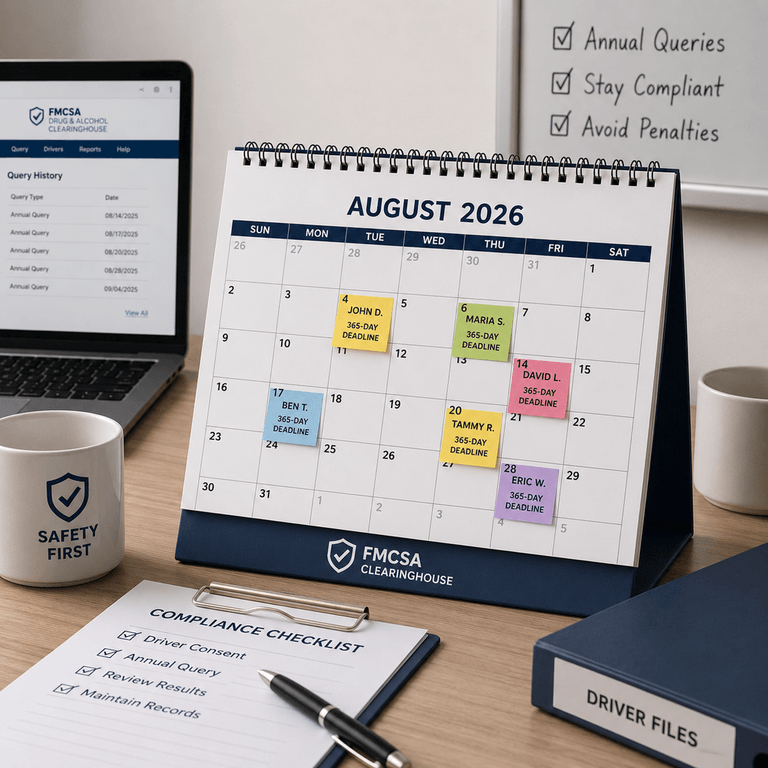
A limited query is required annually for every current driver, while a full query is required before a new driver is dispatched for the first time. Both queries live inside the same FMCSA Clearinghouse portal, but they serve different compliance moments and require different consent paperwork on file.
The limited query checks whether a currently employed driver has any new "prohibited" status entries in the Clearinghouse since the carrier's last query. It can be run in batch for an entire driver roster — but under 49 CFR Part 382, it requires the driver's electronic, general consent to be on file before the query is submitted, and that consent must be renewed annually.
The full query is the deeper check required before a driver performs any safety-sensitive function for the first time — most commonly, pre-employment. It returns detailed violation history, including any unresolved return-to-duty process. A full query requires a specific, written consent for that individual query event, separate from the annual limited-query consent.
Clearinghouse Query Comparison Table
| Query Type | When Required | Consent Needed |
|---|---|---|
| Limited Query | Annually, for every currently employed CDL driver (must not exceed 365 days since the last query) | General annual electronic consent, obtained and renewed each year, kept on file at the terminal |
| Full Query | Before first performing a safety-sensitive function (pre-employment, and following any prohibited status) | Specific written consent for that individual query, signed before the query is run |

What Must a Clearinghouse Consent Form Include?
A valid Clearinghouse consent form must include the driver's identifying information, an explicit statement of what the carrier is authorized to query, and the driver's signature and date. At minimum, your clearinghouse consent form PDF on file should capture:
- Driver's full legal name and CDL number
- The specific type of query authorized (general/limited or full)
- A clear statement that the driver understands what information will be released
- Signature and date, matching the query submission date in your log
- Carrier's USDOT number for cross-reference
Carriers searching for an FMCSA Clearinghouse annual query template are usually trying to solve one problem: a repeatable, standardized form that HR or safety staff can issue to every driver at hire and again every 12 months without reinventing the paperwork each cycle. That's exactly what the downloadable pack below provides.
The California DMV Connection: Why a Clearinghouse Flag Can Suspend a CDL Immediately
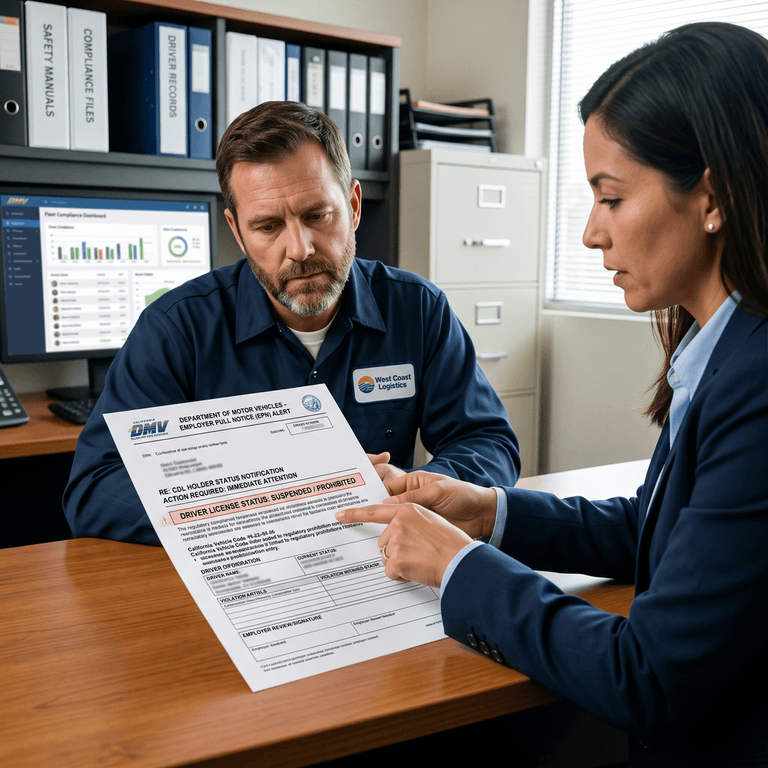
A single Clearinghouse "prohibited" status flag can trigger an immediate CDL suspension at the state level in California — this is not a discretionary or delayed administrative process. Under California Assembly Bill 3278 and its integration with federal Clearinghouse mandates, the California DMV is legally required to act the moment it receives a Clearinghouse notice — not after an internal review cycle.
Before AB 3278, there were observable delays between a federal Clearinghouse "prohibited" entry and the state DMV acting on it. That gap is now closed. The DMV is prohibited from issuing, renewing, or upgrading a commercial learner's permit or CDL once it receives a Clearinghouse prohibition notice for that driver.
For fleet safety directors, this means the Employer Pull Notice (EPN) program — the DMV service that alerts carriers to enrolled drivers' license activity — now doubles as a real-time Clearinghouse enforcement signal. If a carrier dispatches a flagged driver after that notice was issued, the exposure isn't limited to the Clearinghouse fine; CHP BIT auditors cross-reference driver rosters against DACH query logs and EPN enrollment during audits, and a dispatch after a known prohibition can escalate to civil penalties and a driver-qualification-file violation. For the full breakdown of how AB 3278 restructured California's BIT audit criteria, see our California BIT program 2026 updates guide.
A Note for Canadian Carriers
This CDL suspension mechanism is specific to California and the federal Clearinghouse. It does not extend to Canada. Canadian federally regulated carriers operate under Canada's own drug and alcohol testing framework, which is a separate regulatory system from the FMCSA Clearinghouse.
A Canadian carrier is not automatically subject to Clearinghouse queries or the $5,833 penalty structure described in this article — unless it employs US-domiciled CDL holders or operates under US DOT authority, in which case those specific drivers and operations remain subject to full FMCSA drug testing compliance, including the annual query mandate.
Building a Centralized Digital Consent Archive
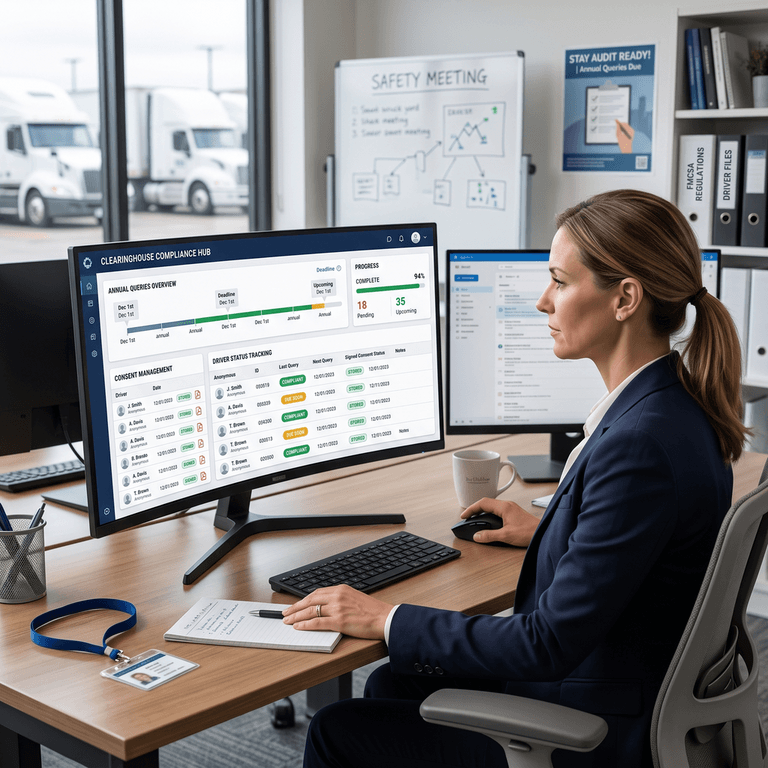
The compliance burden here isn't the query itself — it's the tracking. A safety director managing 60 drivers needs to know, at a glance, which drivers are within 30 days of their annual query deadline, which consent forms are signed and current, and which drivers still need a renewed consent before the next query cycle. Spreadsheets and shared drives get this wrong constantly, usually because a driver's hire-anniversary date and their actual last-query date drift apart over time.
During a CHP BIT audit or an FMCSA Compliance Review, the ask is blunt: produce the signed consent form and the query confirmation, for this driver, right now. An auditor doesn't wait while someone searches a filing cabinet or an email thread for a PDF attachment from 11 months ago.
This is the specific gap a centralized compliance and DVIR platform is built to close. Instead of Clearinghouse consent tracking living in one system, DVIR and pre-trip inspection logs living in another, and driver qualification files living in a third, PTI4YOU stores the signed consent form, the query date, and the result in the same digital record the auditor is already reviewing for vehicle inspections. When a driver's annual query comes due, the system flags it before the 365-day window closes — not after.
This also matters competitively. Enterprise telematics platforms like Samsara and Motive typically require proprietary hardware and quote custom, opaque pricing before you can even see what a compliance module costs. Best-of-breed point tools like Fleetio or Whip Around solve inspection or maintenance tracking well, but Clearinghouse consent archiving usually isn't their core function. PTI4YOU is hardware-agnostic, with transparent public pricing and no multi-year contract lock-in — a fleet safety director can see exactly what the Clearinghouse tracking module costs before committing.
How to Run an Annual Limited Query in the Clearinghouse Portal
Running a compliant annual limited query is a five-step process. Each step should be logged with a date so the record can be produced instantly during an audit.
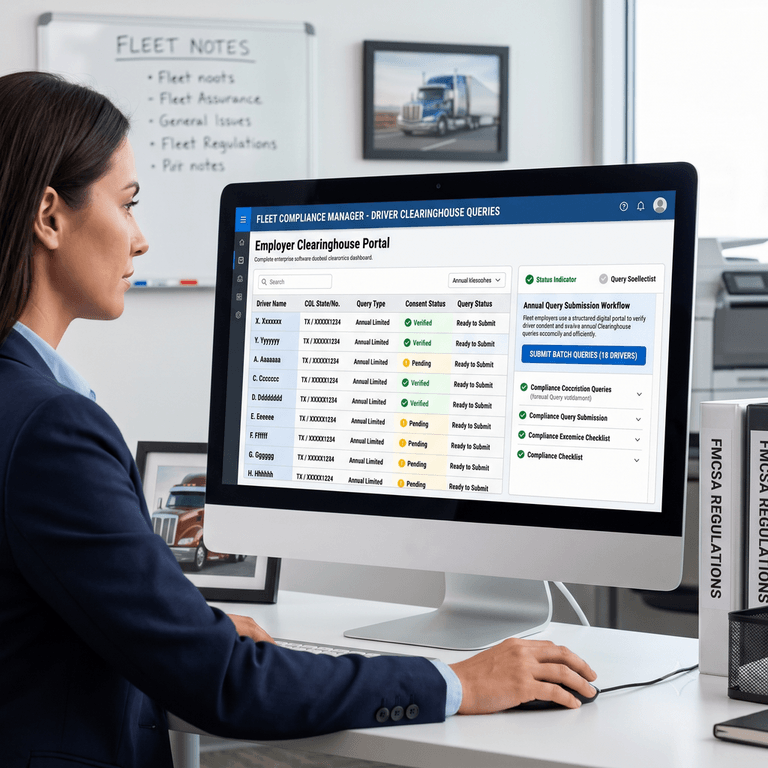
- Log in to the Clearinghouse portal: Log in to the FMCSA Clearinghouse portal using your registered employer account credentials at clearinghouse.fmcsa.dot.gov.
- Select the driver(s) due for query: Select the driver or drivers due for their annual limited query from your employer dashboard.
- Confirm existing consent on file: Confirm existing general consent is on file for each selected driver — the portal will not allow submission without valid, current consent.
- Submit the limited query: Submit the limited query for the selected driver(s) through the portal's query request function.
- Record the result and date: Record the result and query date in your compliance record-keeping system, alongside the driver's signed consent form.
Skipping step 3 is the most common failure point — carriers attempt to batch-submit queries only to discover a subset of drivers' consent has lapsed, forcing a scramble to re-collect signatures before the deadline passes.
Frequently Asked Questions
What is the penalty for a carrier failing to run the mandatory annual Clearinghouse query?
Motor carriers face civil regulatory penalties up to $5,833 per occurrence for missed or late annual driver queries. This penalty is assessed per driver, meaning a fleet with multiple lapsed queries can accumulate exposure quickly during an FMCSA Compliance Review.
Does a limited query require written driver consent?
Yes. Carriers must obtain and store a signed, written consent form from the driver before executing a limited query in the Clearinghouse portal. This consent is general in nature and must be renewed annually alongside the query itself.
How often must a limited query be run?
A limited query must be run at least once every 365 days for every currently employed CDL driver performing safety-sensitive functions. Carriers should track each driver's individual query anniversary rather than relying on a single fleet-wide date, since hire dates and prior query dates rarely align.
What information is required in a Clearinghouse consent form?
A Clearinghouse consent form requires the driver's full name, CDL number, the type of query being authorized, and a signed, dated authorization. The carrier's USDOT number should also be referenced so the form ties directly to the query log for that driver.
Can a driver refuse to give consent?
Yes, a driver can refuse to give consent, but doing so has direct employment consequences. Under FMCSA rules, a driver who refuses to provide consent for a required query must be prohibited from performing safety-sensitive functions, including driving, until consent is given and the query is completed.
Don't Risk a CDL Over a Paperwork Gap
The annual limited query is a low-effort administrative task with high-consequence downside. A missed query risks a $5,833 federal penalty per driver; a flagged driver risks an immediate CDL suspension at the state level, as outlined in our California BIT program 2026 updates guide. Neither risk requires new hardware or a new process — it requires one reliable system tracking consent forms, query dates, and results before the deadline arrives, not after an auditor asks for them.
Don't risk your commercial driver's license over a Clearinghouse paperwork gap. Store every driver consent form in one secure digital archive alongside your DVIR logs, in PTI4YOU's centralized compliance and DVIR platform.
Download Your Free Driver Consent Templates on PTI4YOU
Get the annual limited-query and pre-employment full-query consent forms, plus see how PTI4YOU tracks every Clearinghouse deadline alongside your DVIR records.
Start your 15-day free trial today. No credit card required.
Download Your Free Driver Consent TemplatesZero setup fees. Zero hardware. 25-minute driver onboarding.